 Craft Operator
The operating system for field service teams
Dispatch, estimates, invoicing and live crew visibility, on the web and on every tech’s iPhone. One flat price. No per-seat fees.
- $49/mo for the whole company
- Unlimited users
- 30-day free trial
1.0 — Live crew map
Every truck on the map, in real time.
Technician locations update as crews move between jobs.
Daily routes with drive times and ordered stops per crew.
Tap a route to focus the map and follow progress stop by stop.
2.0 — Dispatch
See the whole day in one screen.
A thin rail on every visit shows scheduled, en route, done, or waiting on the customer.
Double-booking a tech asks before it saves, not after the customer calls.
Repeat work creates its own visits on the right cadence.
3.0 — Field workflow
One job record, from the truck to the invoice.
On my way, start, complete, invoice — each visit offers one next step, and a return trip stays on the same job and invoice.
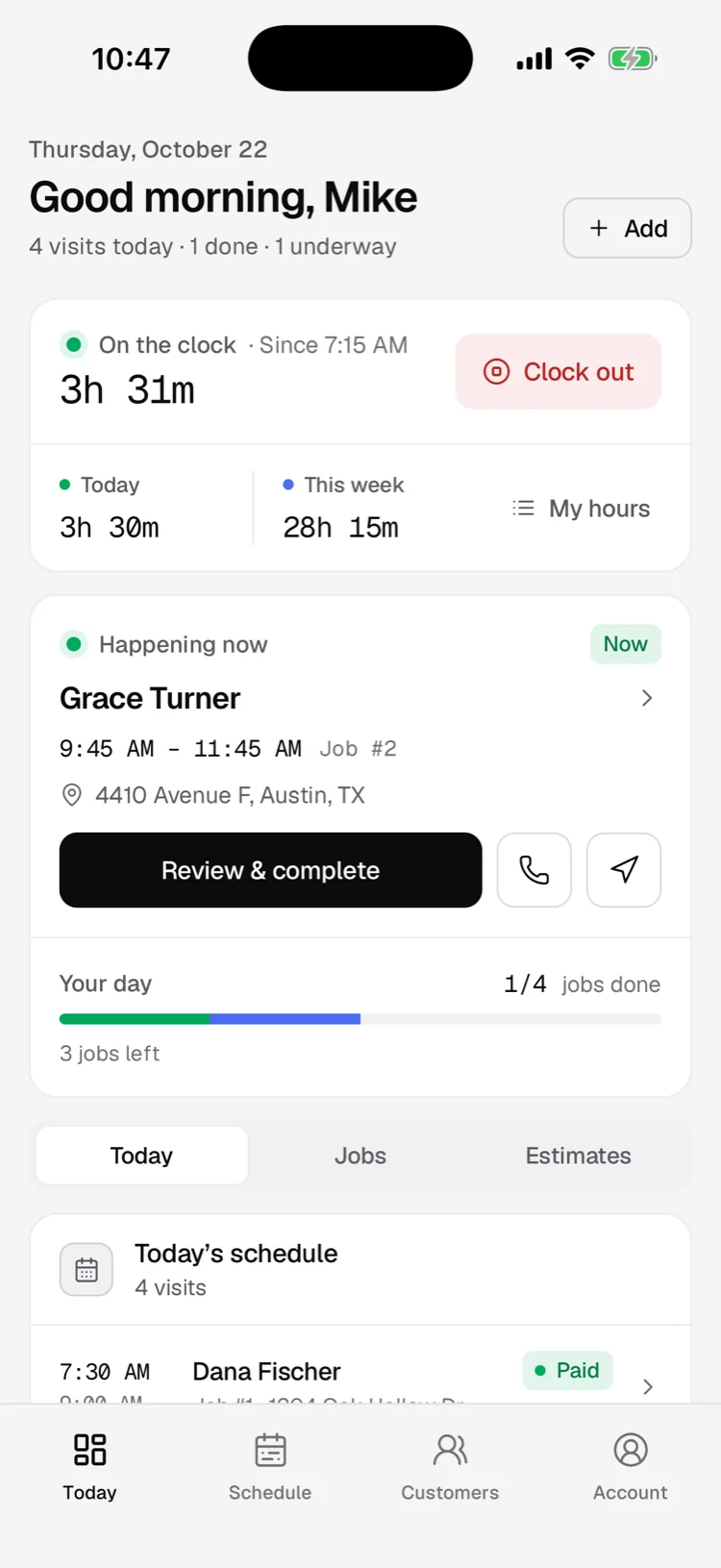
Techs clock in on the job. Hours roll up into weekly timesheets you can export.
Customers sign on the tech’s phone. The signature stays on the job, ready for the invoice.
4.0 — Mobile app
The whole crew, in their pocket.
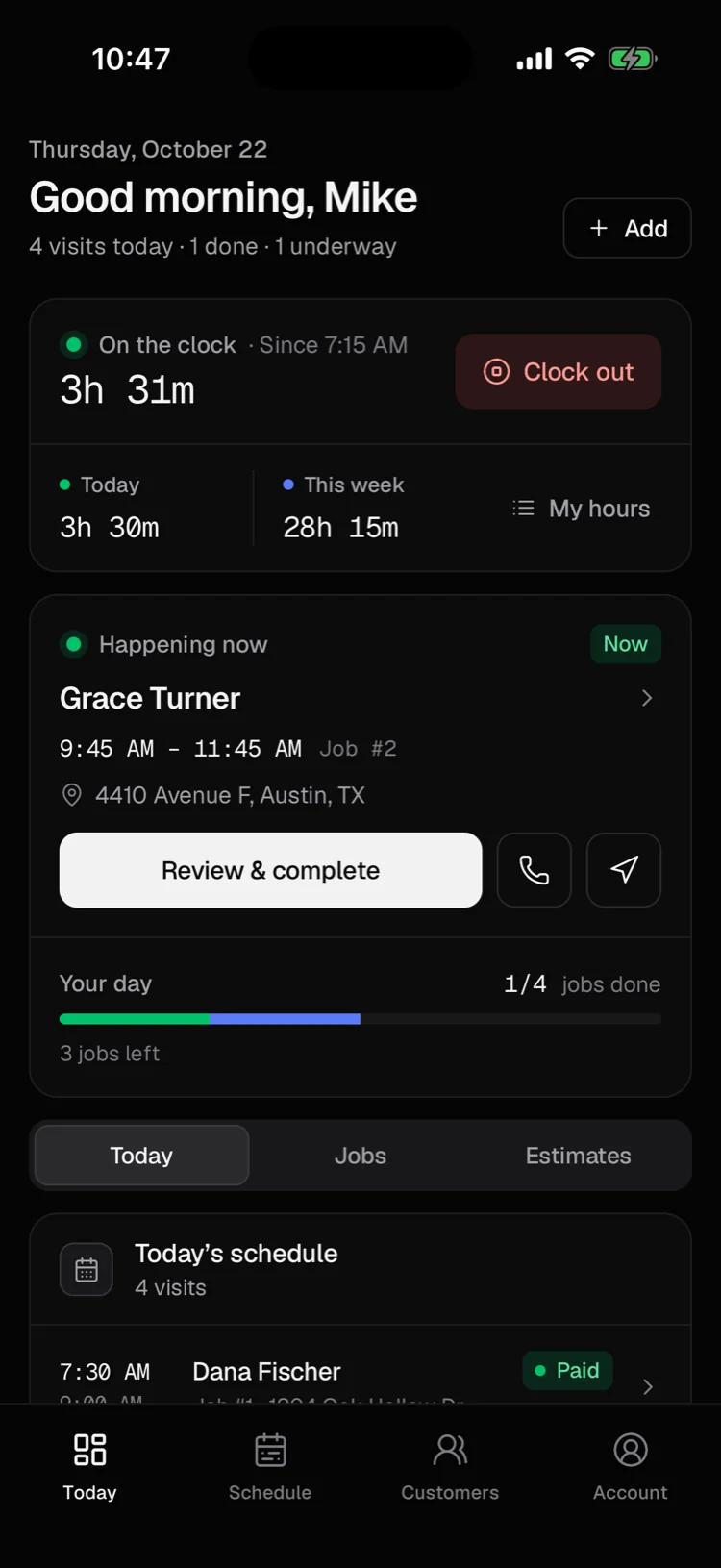
Technician · Today
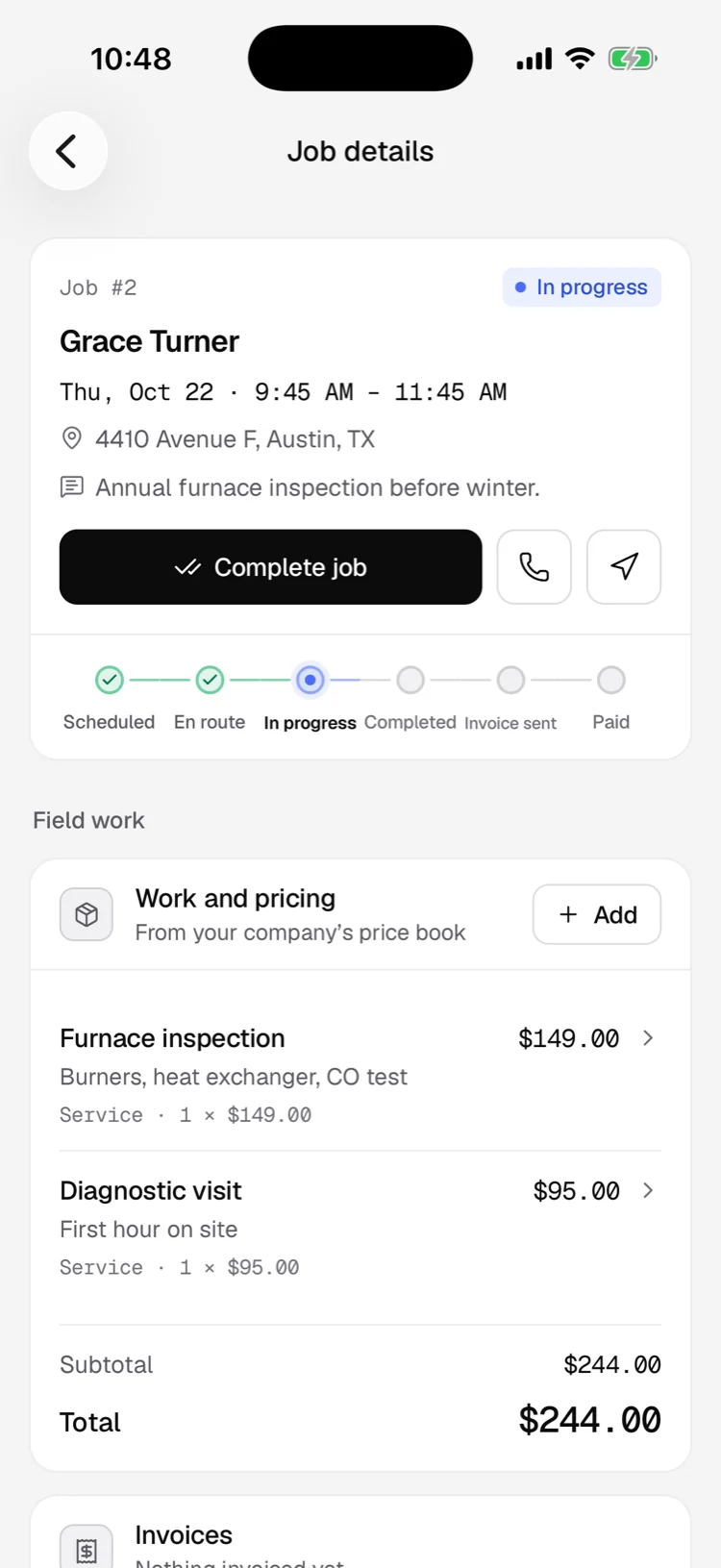
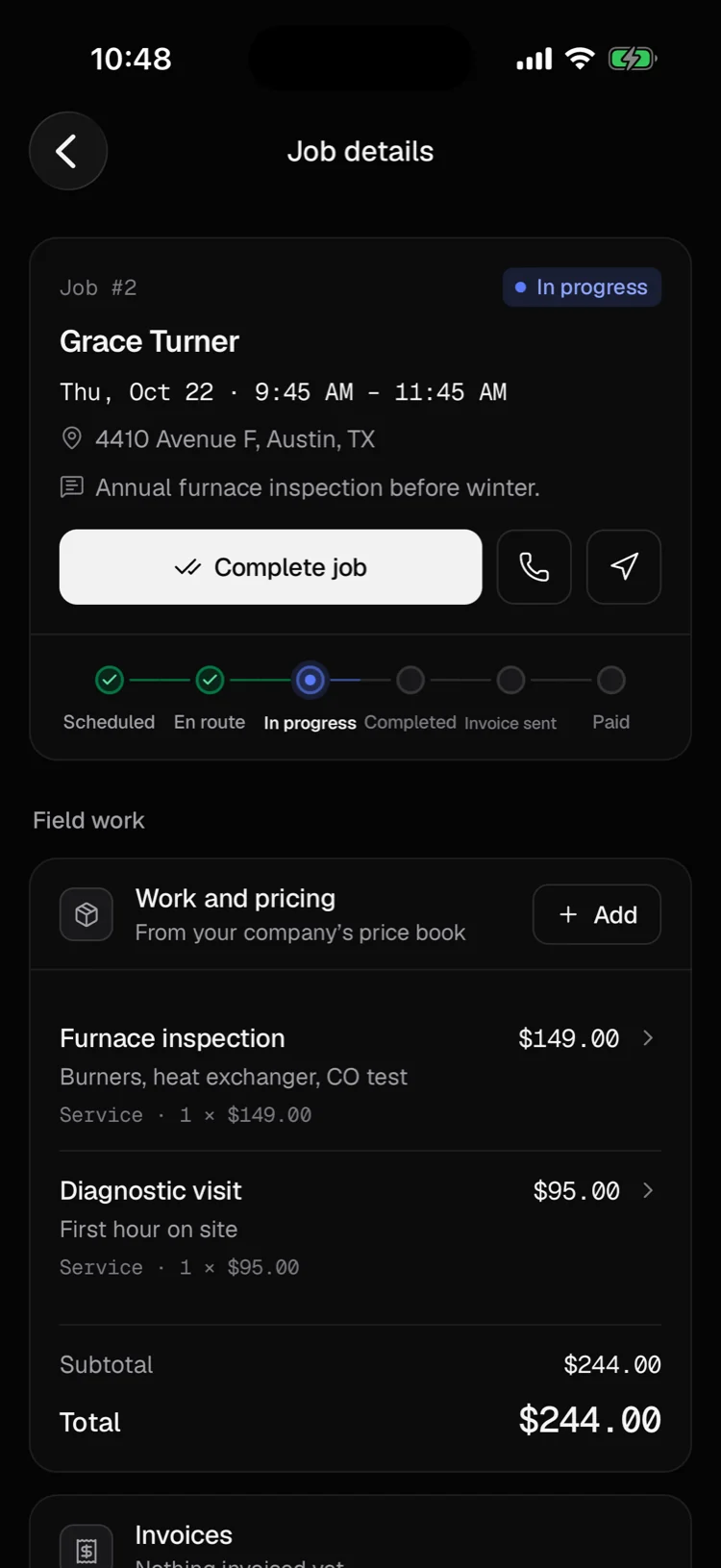
Technician · On the job
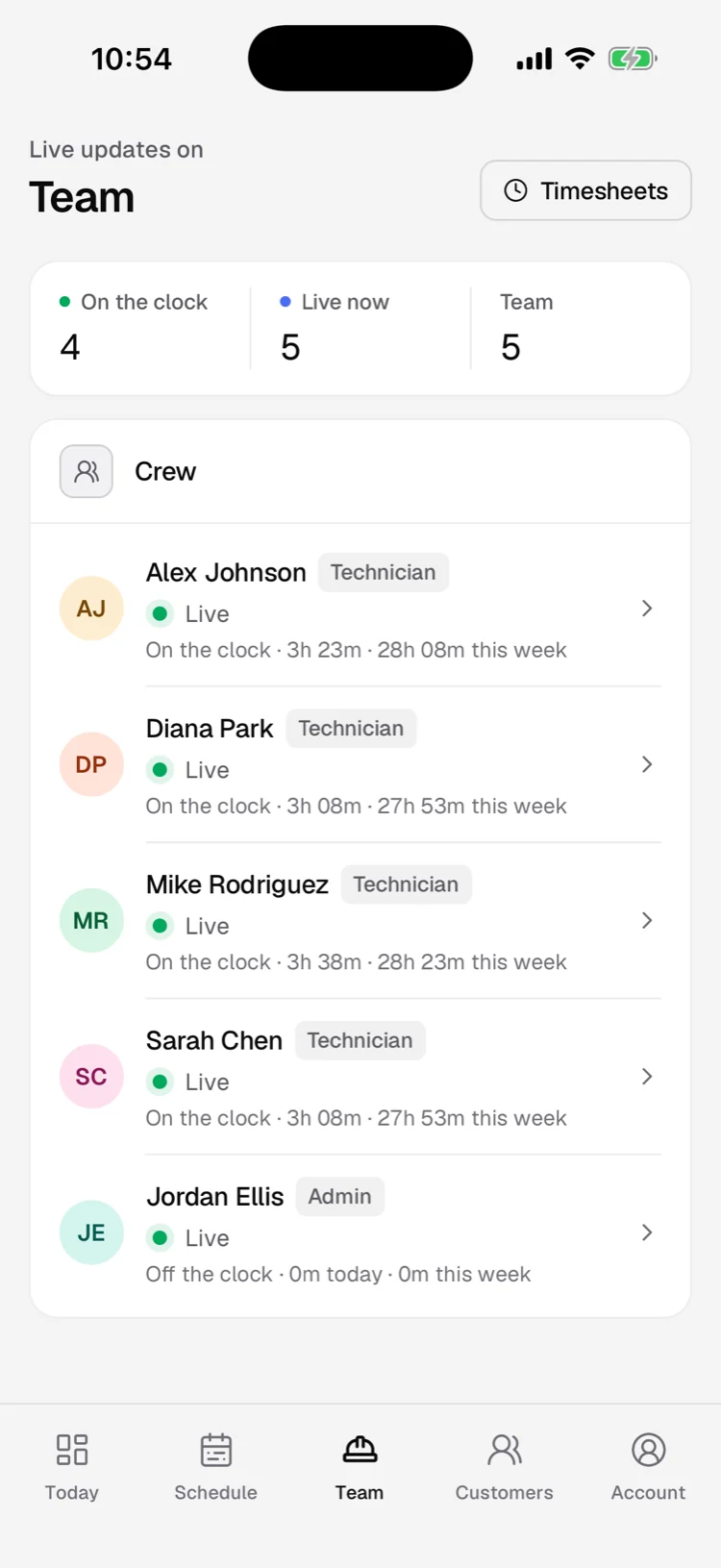
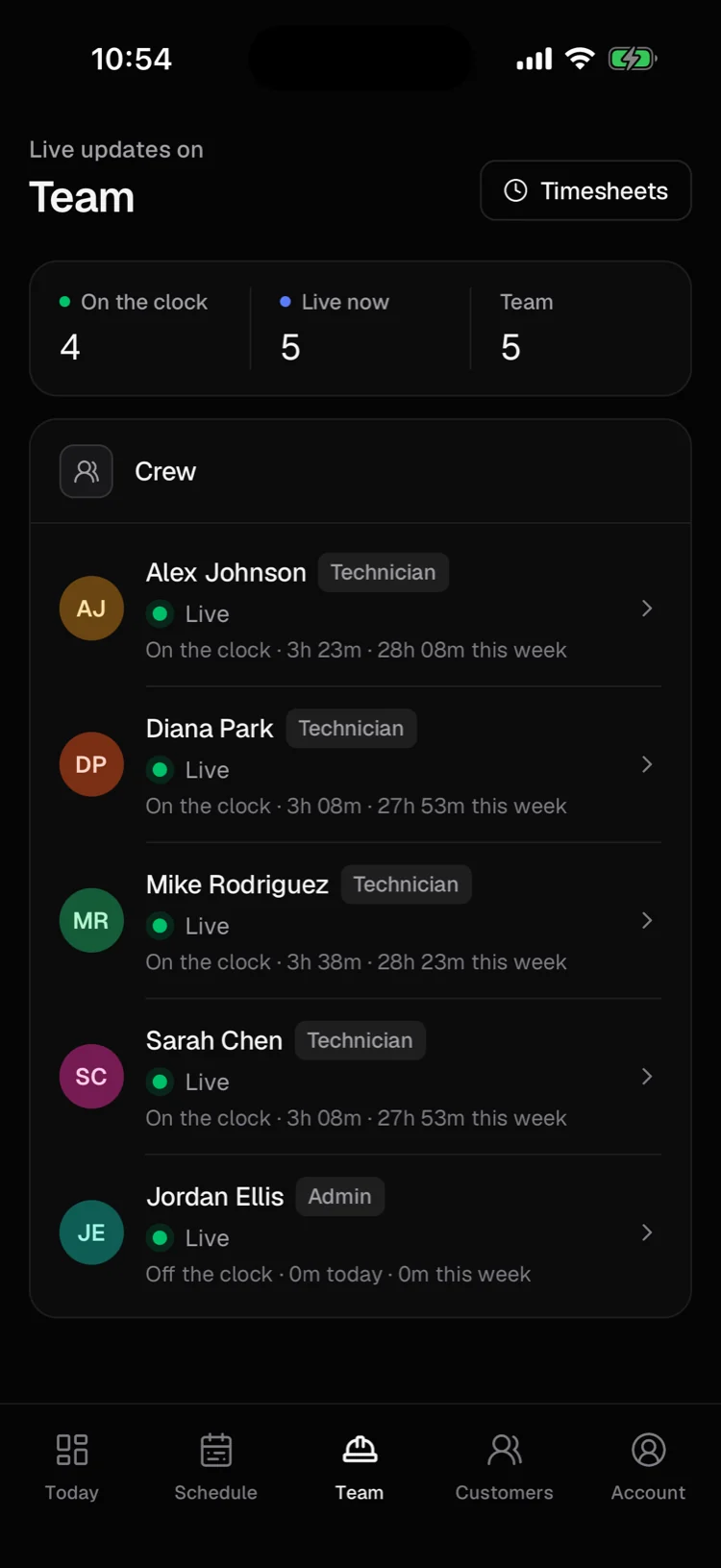
Admin · Team
One tap from the Today screen. Hours roll into weekly timesheets that admins can correct, add to and export.
Locations stream to the office the moment they change, so the map shows who is live, driving or on site right now.
Techs see their jobs, never your costs or margins. Admins see the whole team. Photos, signatures and updates queue up offline.
5.0 — Estimates & payments
Quote, approve, get paid — in one thread.
Customers review, approve, and sign from one link — the estimate updates the moment they decide.
Customers pay online by card (2.9% + 75¢, all-in) or bank transfer. Record cash and checks on the job, and remind anyone past due in one click.
Add your costs and every job shows its margin. Analytics adds up revenue, profit, close rate, and A/R aging.
6.0 — Switching
Bring your history with you.
Customers, services, materials, and your job and invoice history — each from the CSV your old tool already exports.
A dry run shows what will be added, skipped as a duplicate, or rejected, row by row.
Remove everything a file added, or replace it with a corrected file in one step.
7.0 — Pricing
Business software. Founding-shop price.
Business
Founding rateEverything, for your whole company.
Locked in for as long as your subscription stays active. No per-user pricing, no setup fee, no contract.
- Unlimited office and field users
- iPhone app for technicians and managers
- Scheduling, dispatch and a live crew map
- Estimates with online approval
- Invoices, deposits and online payments
- Customer portal and appointment reminders
- Recurring jobs, time clock and timesheets
- Roles that hide costs from technicians
- Import from Jobber, Housecall Pro or ServiceTitan
- QuickBooks Online sync Coming soon
Every fee, out loud
This is the whole list. Sales tax is added where the law requires it.
- Subscription
- $49 / month
- One price for the whole company, 2 people or 200.
- Extra users
- $0
- Add every tech, dispatcher and office manager.
- Card payments
- 2.9% + 75¢
- Per payment, Stripe's fee included. Taken from the payment, so your customer pays the invoice amount.
- Bank payments (ACH)
- 1.5% + 75¢
- Per payment, Stripe's fee included.
- Cash and checks
- $0
- Recorded on the job by you or your techs.
- Payouts
- $0 from us
- Money lands in your own Stripe account and pays out on Stripe's schedule.
- Setup and data import
- $0
- No setup fee and no contract. Cancel anytime.
| Compared at list price | Craft Operator | JobberConnect, 15 users | Housecall ProMAX: 8 users + 7 at $35 |
|---|---|---|---|
| A 15-tech team, per month | $49 | $399 | $574 |
| Each extra user | $0 | $29 / mo | $35 / mo |
| Card payments | 2.9% + 75¢ | 2.9% + 30¢ | from 2.59% |
| Bank payments | 1.5% + 75¢ | 1% | 1% |
From getjobber.com/pricing and housecallpro.com/pricing, checked October 2026: monthly billing, before introductory discounts. Their annual plans cost less. Our card fee is 45¢ more than 2.9% + 30¢ on every payment, and our bank fee is higher than their 1%.
8.0 — FAQ
Answers to the questions most teams ask.
I have 15 technicians. How much will this cost me?
$49/month for the whole company. We don't charge per user, so 2 techs or 200 pay the same. For comparison, Jobber's Connect plan for 15 users lists at $399/month (October 2026).
Can I switch from Jobber, Housecall Pro, or ServiceTitan?
Yes. Upload the CSV exports from Jobber, Housecall Pro, or ServiceTitan — customers, services, materials, and job and invoice history. We match their columns, show you every row before it's saved, and any import can be undone. Or send us your files and we import them for you, free.
What if I want to try it first?
Start a 30-day free trial right now, no credit card required. You get full access to every feature. If it's not right, cancel with one click.
What do online payments cost?
Customers pay invoices by card or bank transfer through Stripe, deposited to your own Stripe account. Cards cost 2.9% + 75¢ and bank transfers 1.5% + 75¢ per payment, and that's everything: Stripe's own fee is included, not added on top. Cash and checks you record on the job cost nothing.
Will my field techs actually use it?
The iPhone app was built for the field first. Techs see today's jobs, clock in, update status, take photos, capture signatures and record cash or check payments in seconds, without leaving the truck.
What happens after the trial?
You subscribe at $49/month. Shops that join during launch keep that founding rate for as long as they stay subscribed. No contract and no setup fee, cancel anytime, and your data is always yours to export.
Can I control what my team sees?
Yes. Technicians see the jobs assigned to them and never your costs or margins. Office staff run the schedule, customers, estimates, invoices and the price book. Admins also manage company settings, billing and the team.
Can I get my data out?
Anytime, even after your subscription ends. Settings exports customers, jobs, estimates, invoices, your price book and timesheets as CSV — no support ticket needed.
Get started
Run the whole field on one screen.
Start a free trial in under a minute. Bring your team over with free migration. No credit card required.
30-day trial · No credit card · Free migration